hello! I recently found this rad app called “CamScanner”, a mobile app for android and iOS
what does this app do? well, basically it imitates a scanner, so even if you don’t have one, you can take real cool pictures of your drawings!
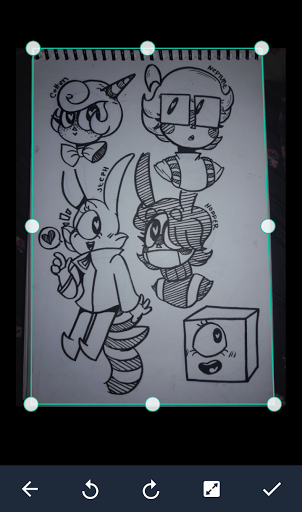
for this to work, i suggest you take a picture of your entire paper / sketchbook / etc. The app will automatically crop your picture and come out with something like this:
(sometimes it wont be too accurate, but that can be easily fixed by moving the frame yourself)
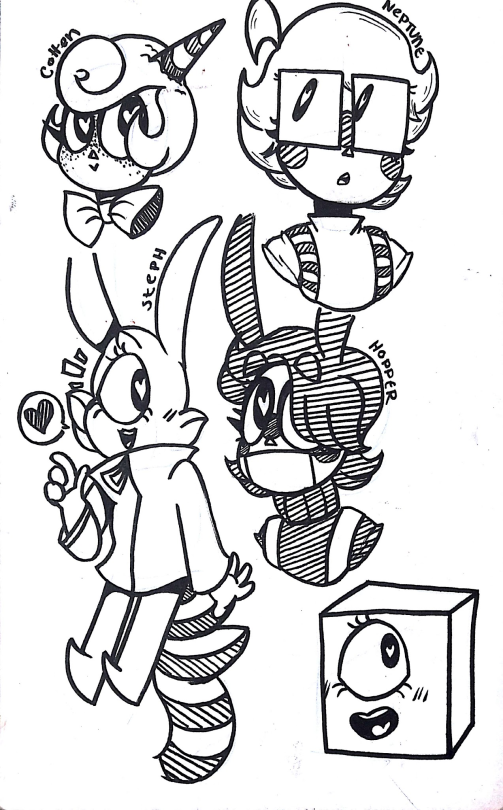
once scanned, the app will make it so your drawing looks like this:
(the app will have some presets, so you might want to mess around with those. OR you can mess with the settings yourself to get a look you desire)
this can be really helpful if you plan to color your traditional piece on a computer, or something similar.
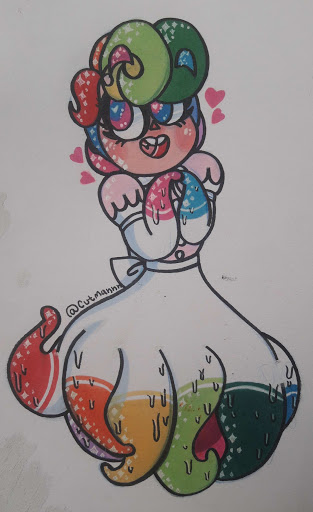
this can even work with colored drawing, if you’d like!
original:
edited with CamScanner:
if you mess with the settings yourself, i bet you could get the picture to look better, as i did this with the presets.
Art Critic: the skull in the corner is artfully placed on the periphery of vision to symbolise the omnipresence of death, important thematically to the artist’s conception of life and mortality.
Actual Artist: aw shit, I got all this negative space, guess I’ll stick a skull there that looks pretty rad.



 Steel Phoenix Studios